PHP2Shell is the name of two critical vulnerabilities in the PHP engine, CVE-2026-109618 and CVE-2026-109619, fixed on 21 October 2026. With a single HTTP request and no login, an attacker can run commands on the server. The risk covers every site that runs on PHP, WordPress included.
Check for free whether your site is exposed to PHP2Shell: enter your domain and read what the server declares. Below you find the fixed versions, the update steps and the official sources.
What is PHP2Shell?
PHP2Shell is the name used for two flaws in the PHP engine: CVE-2026-109618 and CVE-2026-109619. Wiz and Sansec rate them 9.2 out of 10 on the CVSS 4.0 scale. An attack needs no password: one HTTP request to a site that runs PHP lets the attacker execute code on the server.
Wiz estimates that about 70% of websites use PHP and describes the discovery as the result of AI-assisted analysis. The two flaws are distinct:
- CVE-2026-109618: comes from an invalid state after a memory allocation failure (GHSA advisory).
- CVE-2026-109619: leaves request data in a worker, and a later request then uses it (GHSA advisory).
The PHP project released the fixes on 21 October 2026 (official advisory). The advisory confirms cases with both mod_php and PHP-FPM, so neither setup is safe by default.
The short form is RCE, remote code execution. A successful attacker can read files, plant a web shell and use your server for further attacks. That explains the name.
CIRCL demonstrated exploitation against Apache with mod_php. CERT-EU reports proof-of-concept exploits already in circulation.
Who is affected by PHP2Shell?
Affected are PHP installations that serve web requests and lack the fix, from PHP 5.4 (2012) onwards. The Polish Cyber Command writes that "all versions from 5.4" are vulnerable.
The flaws sit in the engine, so the server PHP version counts and not the application on top. Sansec confirmed code execution on:
- WordPress
- Magento
- Drupal
- Joomla
- Laravel
If your shop, company blog or business app uses one of these, check the PHP version at your host. An old number does not prove you are vulnerable: distributors often fix without changing it. A recent number does not prove the opposite, because a parallel install may use another PHP.
Beyond the website, check everything else that runs PHP on the same server:
- business app and customer area
- e-commerce and payments
- webmail
- Nextcloud and shared files
- phpMyAdmin and database panels
- intranets and custom portals
A static or Next.js site does not run PHP, but it may rely on a PHP backend on another path. For custom company sites, see our custom web development service.
What happened between 17 and 22 October 2026?
In six days the story moves from the first recorded attempt to operational guidance from the security agencies.
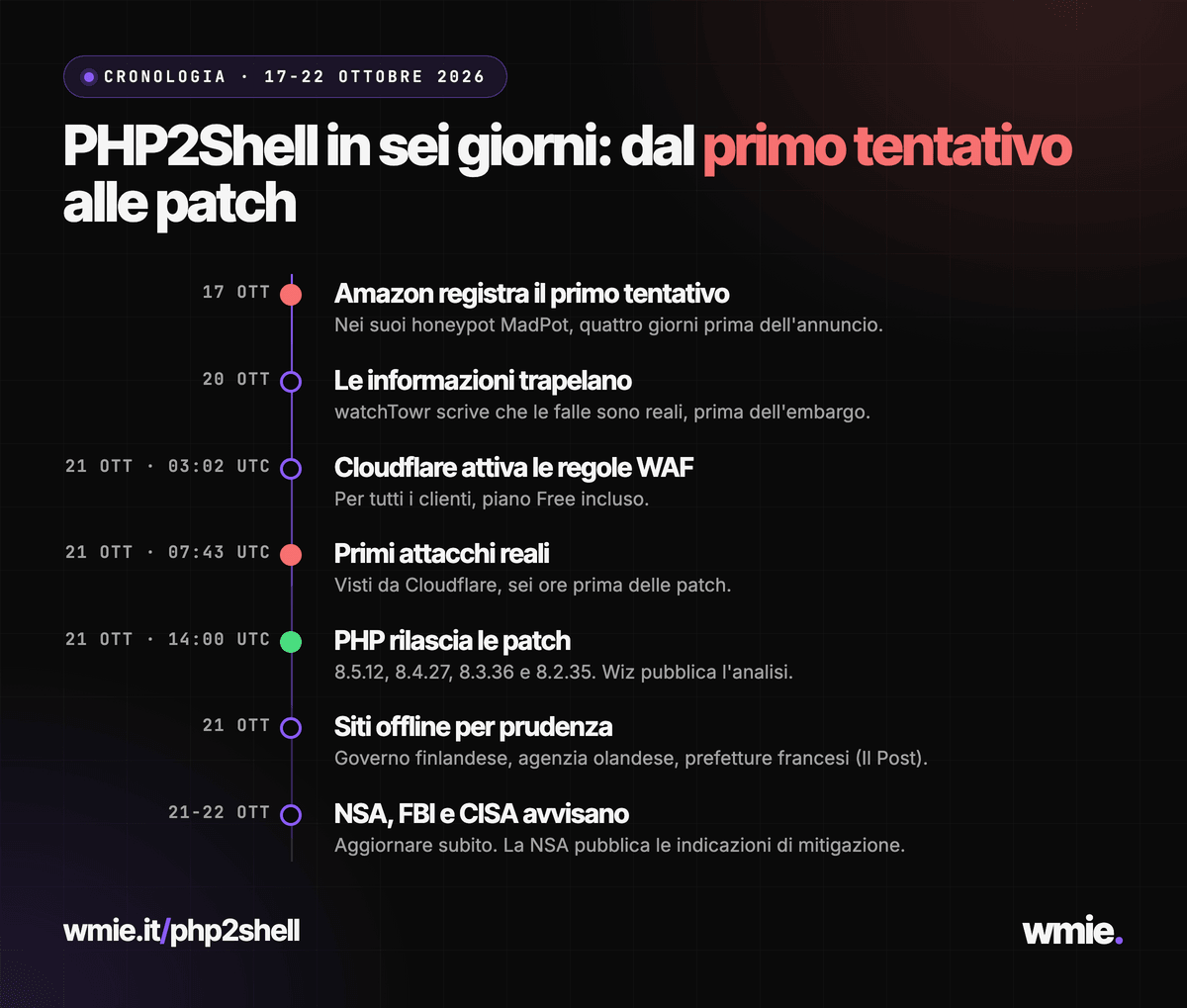
- 17 October: Amazon records a first exploitation attempt in its honeypots, four days before the announcement (AWS).
- 20 October: watchTowr writes that information leaked before the embargo and that the flaws are real (post on X).
- 21 October, morning: Cloudflare enables WAF rules for all customers, Free included, and sees the first real attacks (Cloudflare post).
- 21 October, 14:00 UTC: PHP ships the patches and Wiz publishes its analysis with a CVSS of 9.2.
- 21 October: Italy's ACN and CSIRT publish alert AL07/261021 (ACN). Il Post reports that the Finnish government, the Dutch cybersecurity agency, some French prefectures and some Wikipedia entries took their sites offline as a precaution.
- 22 October: the NSA publishes specific mitigation guidance (NSA post).
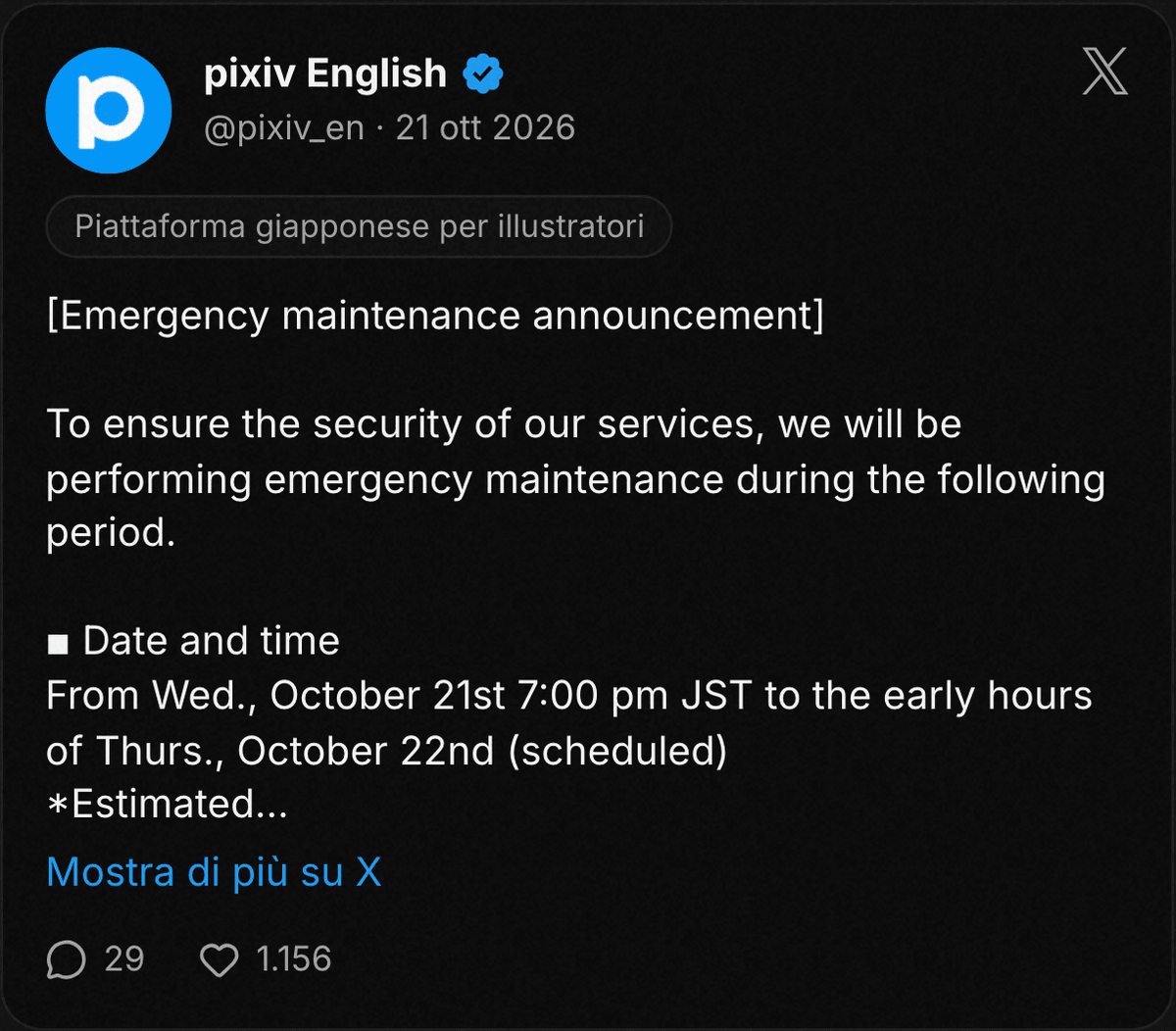
The same day pixiv, the Japanese platform for illustrators, announced emergency maintenance for the security of its service (pixiv post).
What did the NSA, FBI, CISA, NCSC and the Japanese government say?
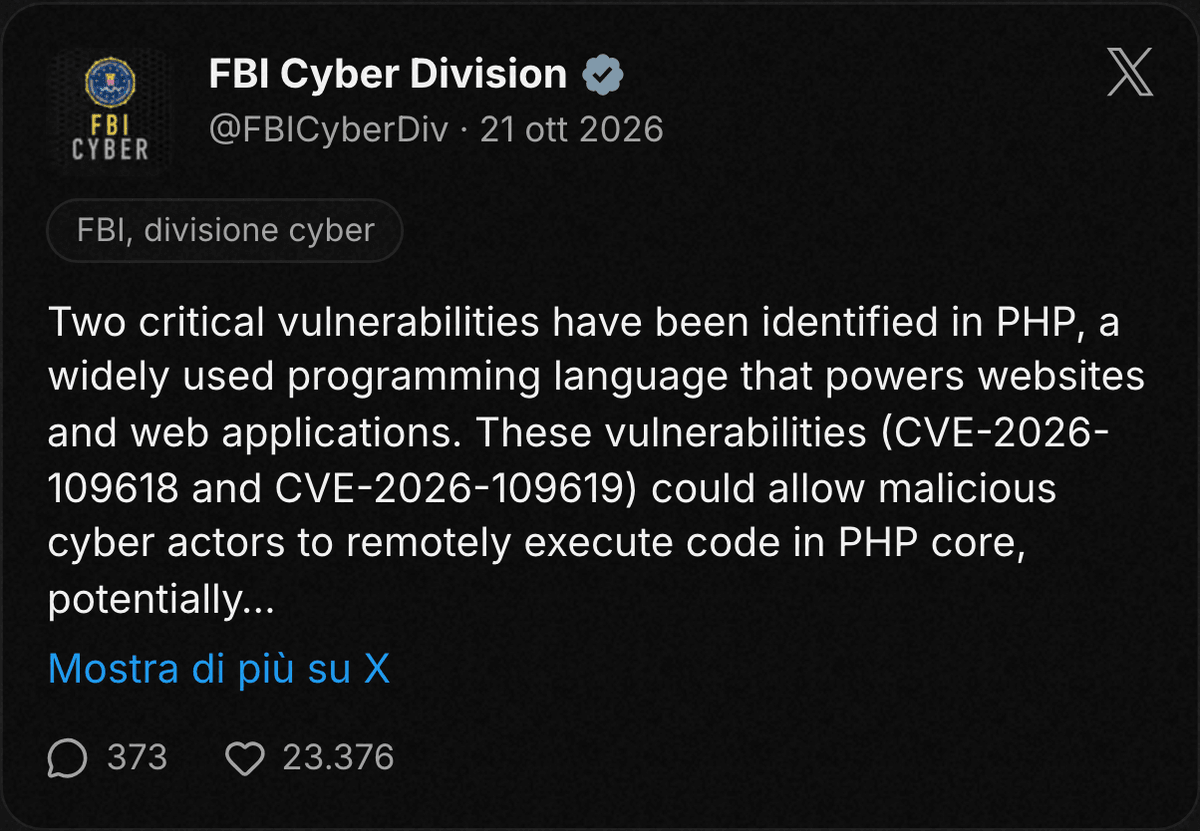
The agencies say the same thing: prepare the update and apply it as soon as you can. Here are the original posts.
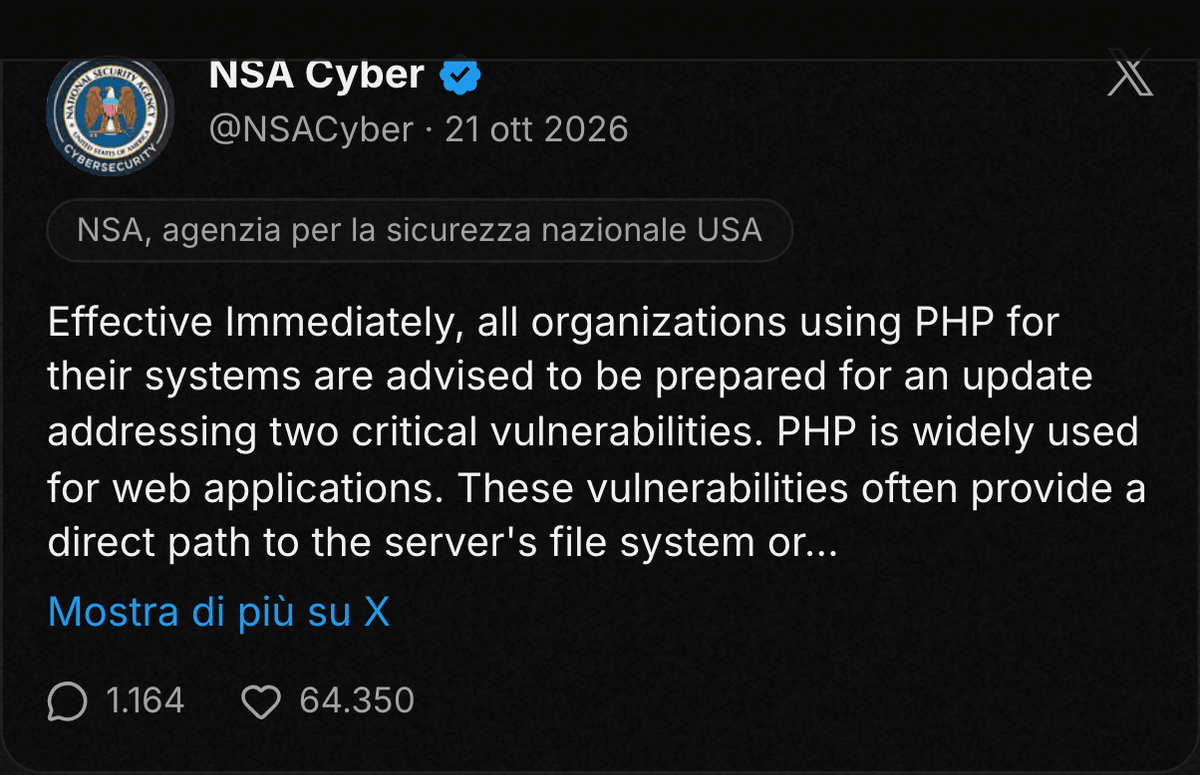
NSA. Asks organizations that use PHP to prepare for an update addressing two critical vulnerabilities (NSA post).
FBI Cyber Division. Cites CVE-2026-109618 and CVE-2026-109619 and warns they could allow remote code execution in PHP core (FBI post).
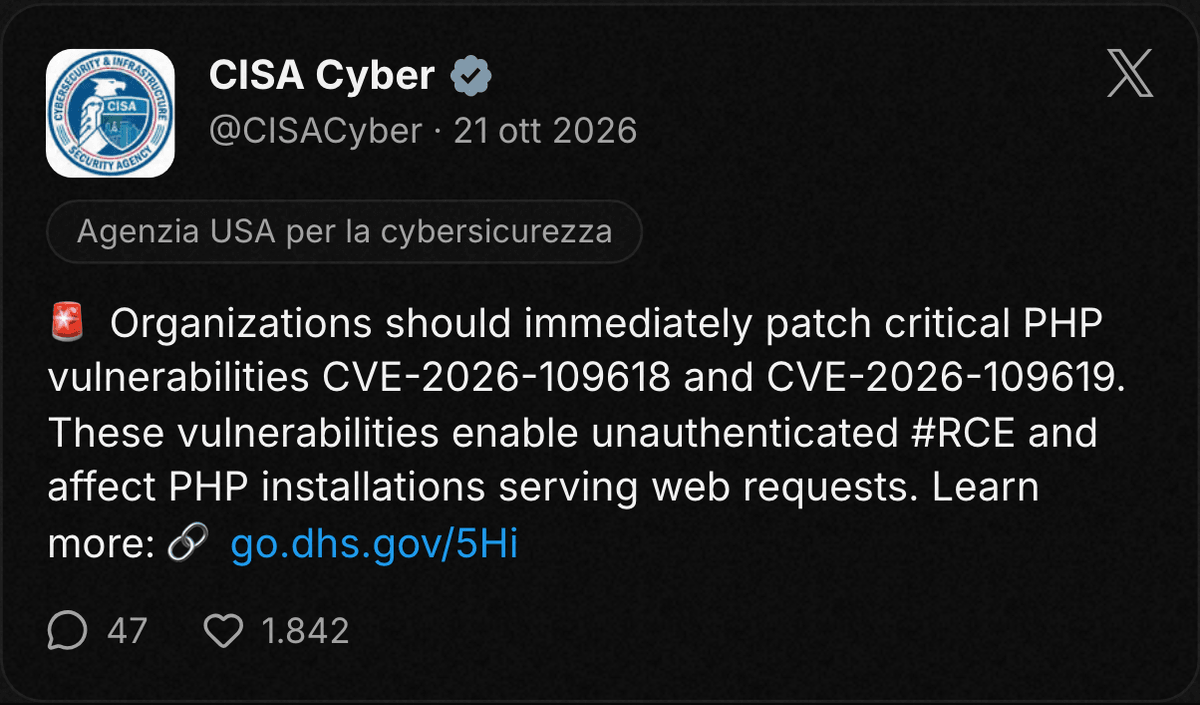
CISA. Asks for immediate patching and speaks of unauthenticated RCE (CISA alert).
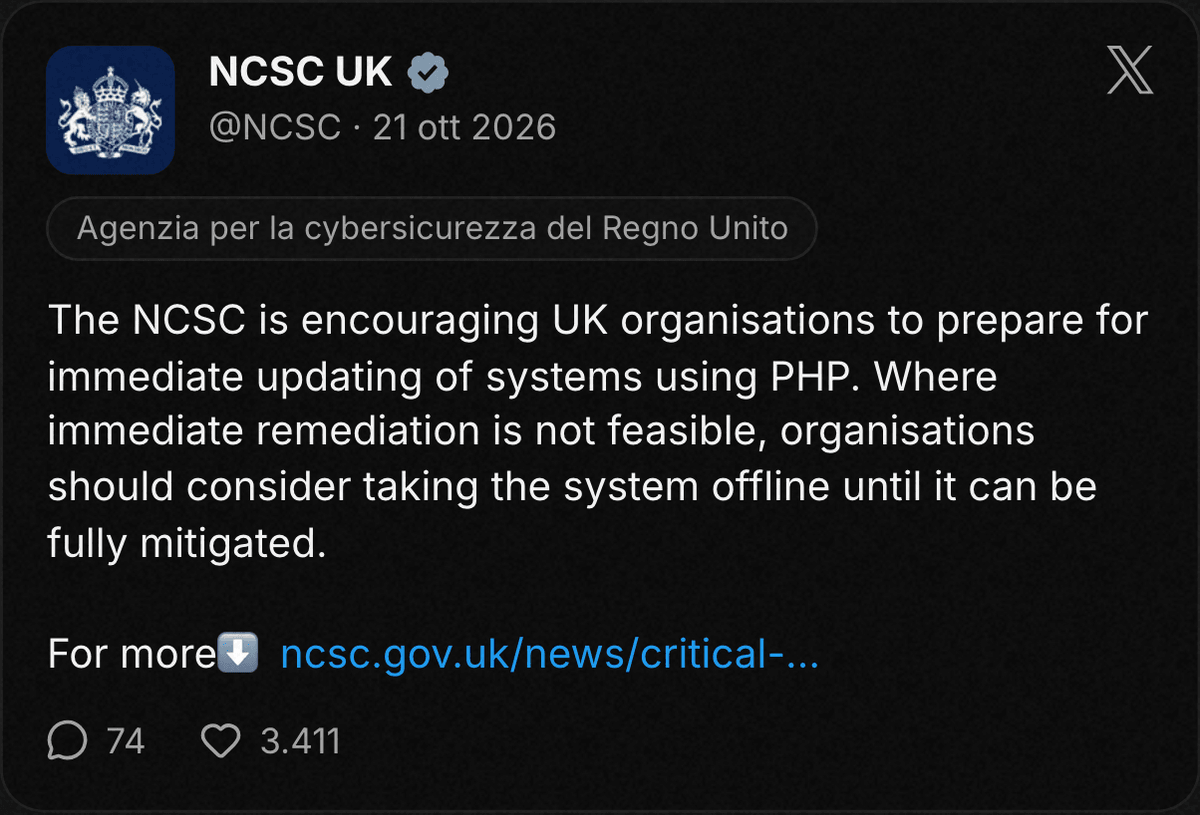
UK NCSC. Urges immediate updating and, where that is not possible, considering taking the system offline (NCSC advisory).
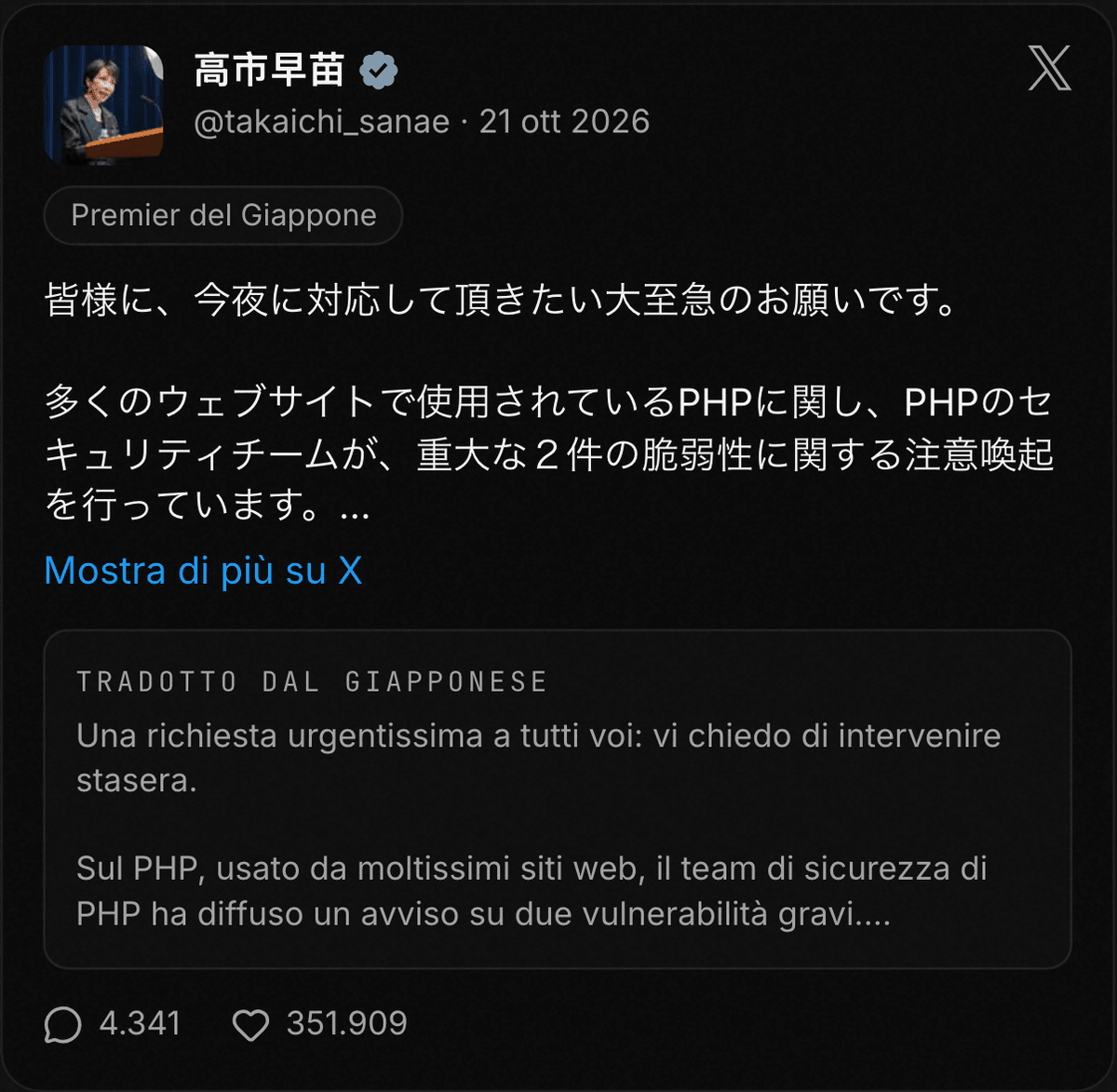
Japanese government. Prime Minister Takaichi Sanae asked on X for action "tonight" and named suspending the site as a possible mitigation.
The Ministry of Internal Affairs relayed the warning of the National Cyber Office, addressed to those who run websites and web systems.
Not sure who updates your server? Run the free wmie check on your domain, then message Alessio on WhatsApp with the result.
How do you check the PHP version of your site?
You have three options, from the most technical to the simplest:
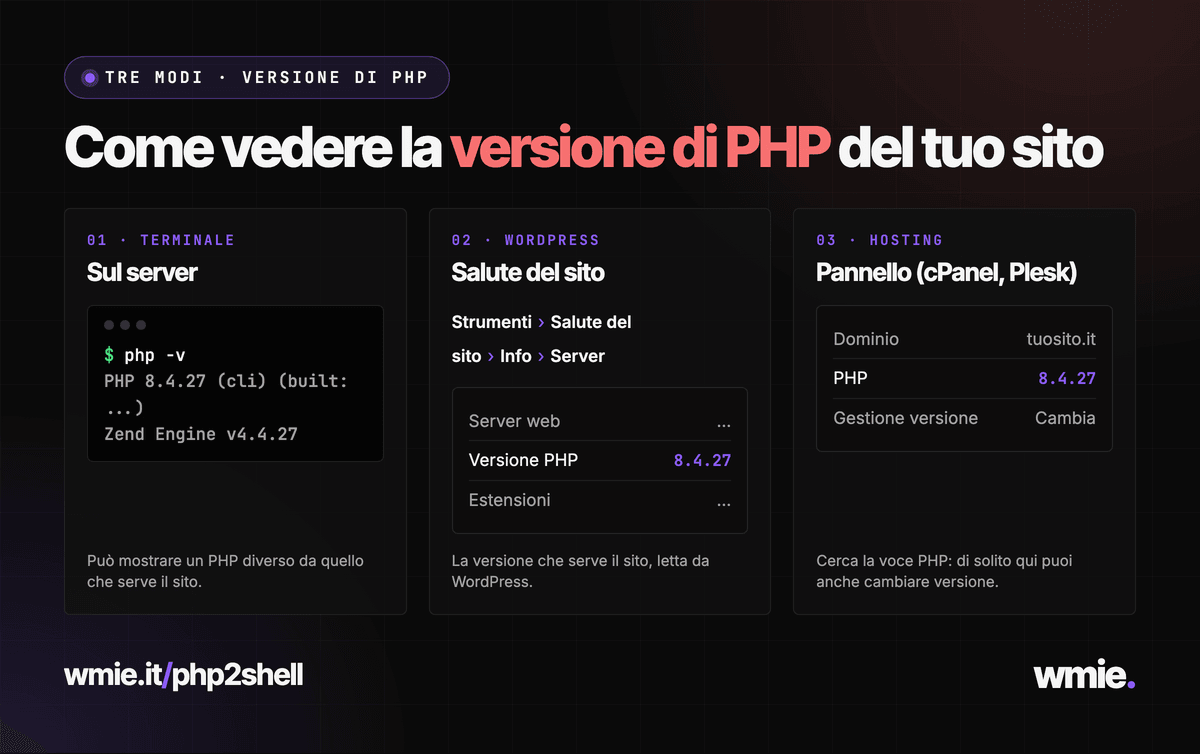
- Terminal. On the server run
php -vand read the first line. - WordPress. Open Tools, then Site Health, then Info and the Server section: it shows the PHP version serving the site.
- Hosting panel. On shared plans (cPanel or Plesk) look for PHP: you can usually switch version there too.
The terminal command can show a different PHP from the one used by the web, so compare it with the panel.
For a first reading from outside, our PHP2Shell check reads public headers, cookies and HTML and tells you what the server declares. If the version is hidden, the result stays "not determinable" and you need to ask your provider.
A positive result from an external check has a limit. Headers are server declarations and do not prove the runtime. For a backport you need the package number and proof that this package is the one running.
What should you do now?
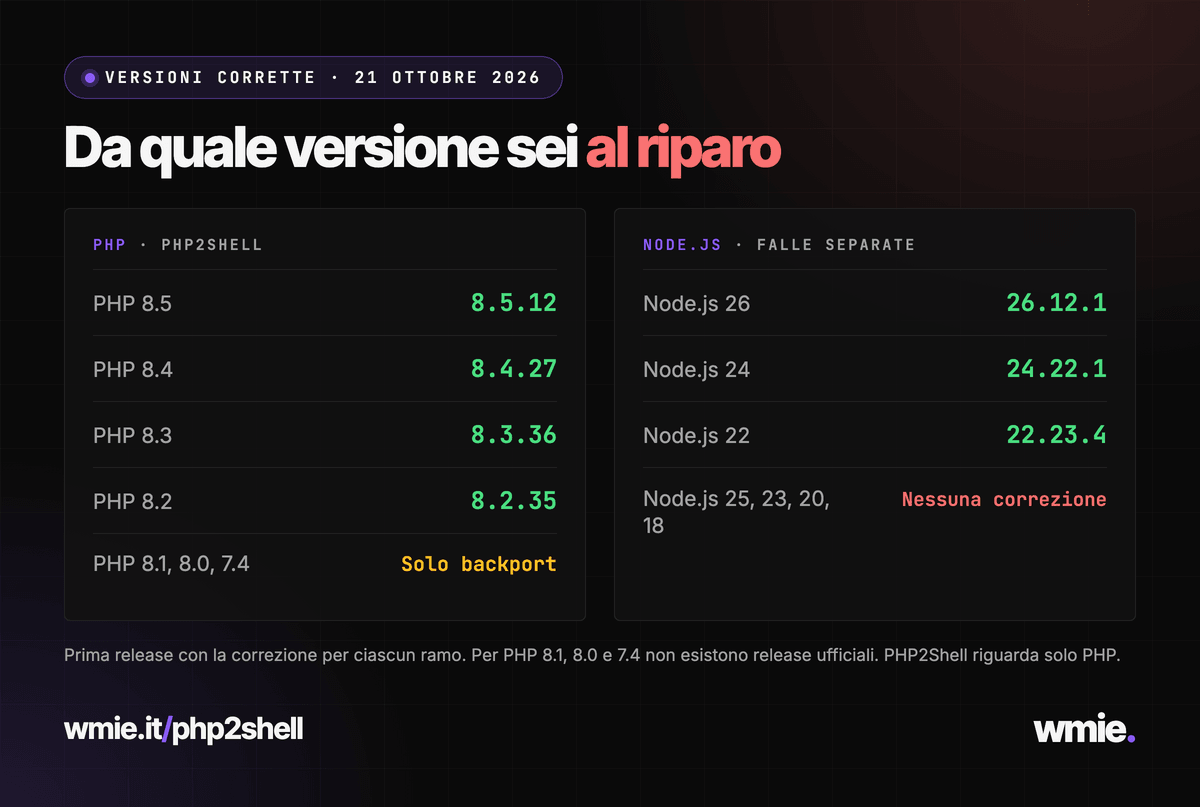
The main step is to update PHP to a fixed version. These are the first releases with the fix, according to the PHP project:
- PHP 8.5: 8.5.12
- PHP 8.4: 8.4.27
- PHP 8.3: 8.3.36
- PHP 8.2: 8.2.35
- PHP 8.1, 8.0 and 7.4: no official release, only backport patches to compile or to receive from your provider
Then follow these steps, in order:
- Update. Move PHP to a release listed above, from the hosting panel or with the server package manager.
- If you run a backport-only branch, ask your provider for the patched package number. Ubuntu 24.04, for example, fixes with 8.3.6-0ubuntu0.24.04.13 (Ubuntu notice). An old number may contain the fix, and a recent one does not guarantee it.
- Restart the workers. With PHP-FPM the new version takes effect only after the service restarts, for example with
systemctl restart php8.4-fpm(the name changes with version and distribution). With mod_php restart Apache. - If you cannot update right away, put the site behind a WAF. Cloudflare has rules live for these vectors on the Free plan too, but they are a mitigation and cover known attacks only.
- As a last resort, take the site offline. That is the NCSC guidance for systems that cannot be updated right away.
- Check afterwards. Run the free check on your domain again to see whether the server now declares a fixed version.
The restart matters more than it looks. CVE-2026-109619 concerns request data that a worker keeps and that a later request consumes. A worker started before the update keeps running the old code until you restart it.
If you have several nodes or PHP pools, repeat the step on each one and check every web path: one fixed node does not certify the others.
Prefer to delegate? Alessio checks the site and everything else that runs PHP, tells you what to update and handles it. Message him on WhatsApp.
Node.js: the flaws from the same day
On 21 October Node.js also published security updates: 10 flaws, four serious, including CVE-2026-111497, an out-of-bounds write in the Brotli decoder that allows remote code execution (Node.js advisory).
- Branches 22, 24 and 26: fixed in Node.js 22.23.4, 24.22.1 and 26.12.1.
- Branches 18, 20, 23 and 25: no fix, so they must be migrated.
- Vercel: enabled firewall rules on all projects (Vercel).
PHP2Shell and the Node.js flaws are separate problems: check a Next.js or Express site for Node.js, a WordPress site for PHP.